Update Your Preferences
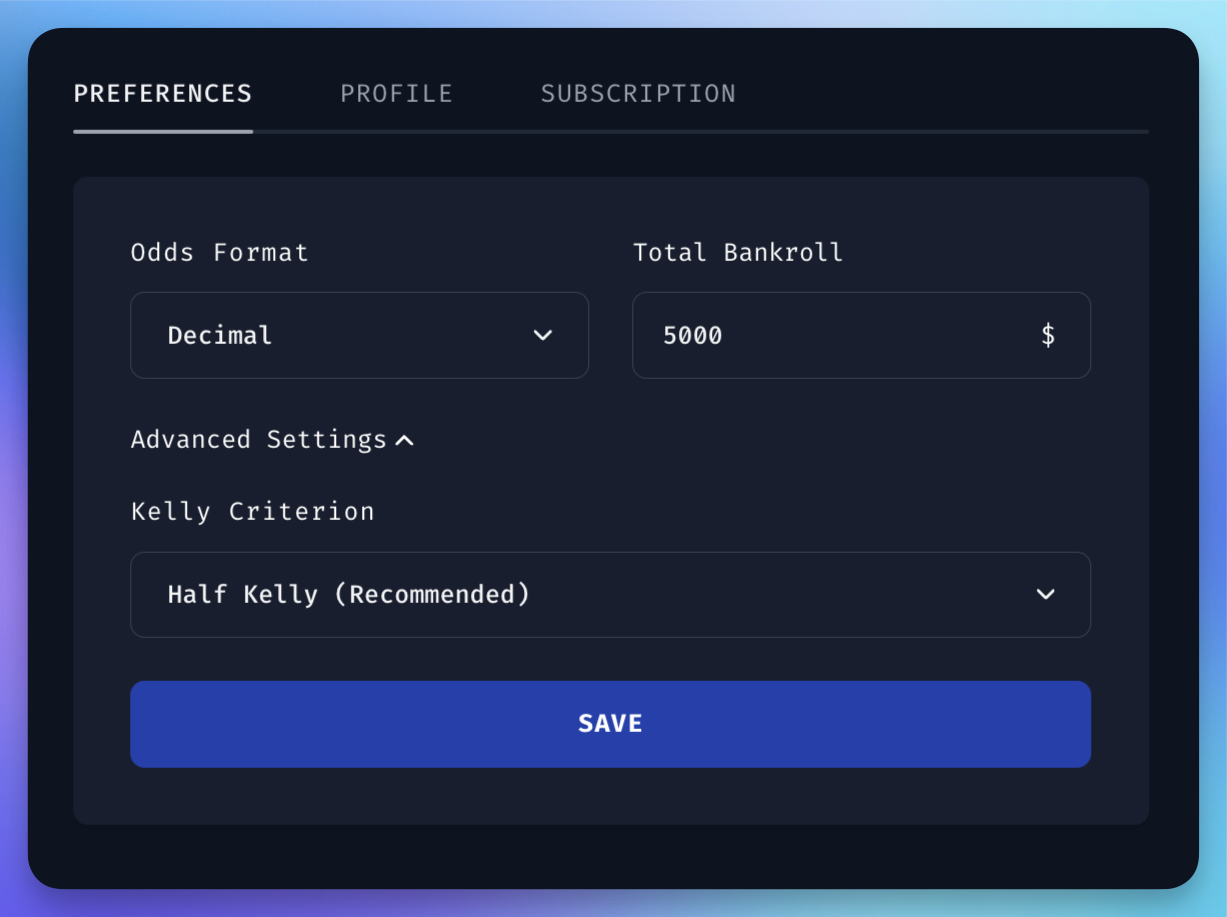
To get started with Bet Hero, go to Settings and customize your preferences. Your bankroll and Kelly fraction are on the Staking tab, the odds format on the Display tab, and your US state on the Links tab.
Choose Your US State
If you're in the US, pick your state on the Links tab. Automatic uses the state we detect from your location. Pick a state yourself if you bet in a different one.
BetMGM, BetRivers and Caesars run a separate site for each state, and their links open on yours. When you pick sportsbooks for your filters, the books available in your state are the ones suggested.
Discord alerts use the state you picked, or the last one we detected while you used the website in the US.
Define Your Bankroll
This is the total amount of money you have allocated for betting. Proper bankroll management is crucial for long-term success. If you're new to this concept, refer to our bankroll management guide for detailed information and best practices.
Select Your Preferred Odds Format
Pick the format you read fastest: Decimal (2.50), American (+150), Fractional (6/4), Hong Kong (1.50), Malay (-0.67), Indonesian (1.50) or Cents (40¢). Bet Hero shows odds in that format across the app and in your Discord alerts, and you can type odds in it anywhere you enter a price.
Fractional odds use the standard prices UK bookmakers quote, rounded to the nearest one, so a fraction can sit slightly above or below the exact price. Expected value, stakes and tracked bets always use the exact price.
Adjust Your Kelly Criterion (Optional)
This is a mathematical formula used to determine the optimal size of a series of bets. By default, Bet Hero uses a half-Kelly strategy. You can adjust this setting:
- Reduce it: For a more conservative approach, lower the Kelly fraction to minimize risk further.
- Increase it: For a more aggressive strategy, increase the Kelly fraction, but be aware this comes with higher risk.