Connect Your Discord Account
Connecting Discord does two things:
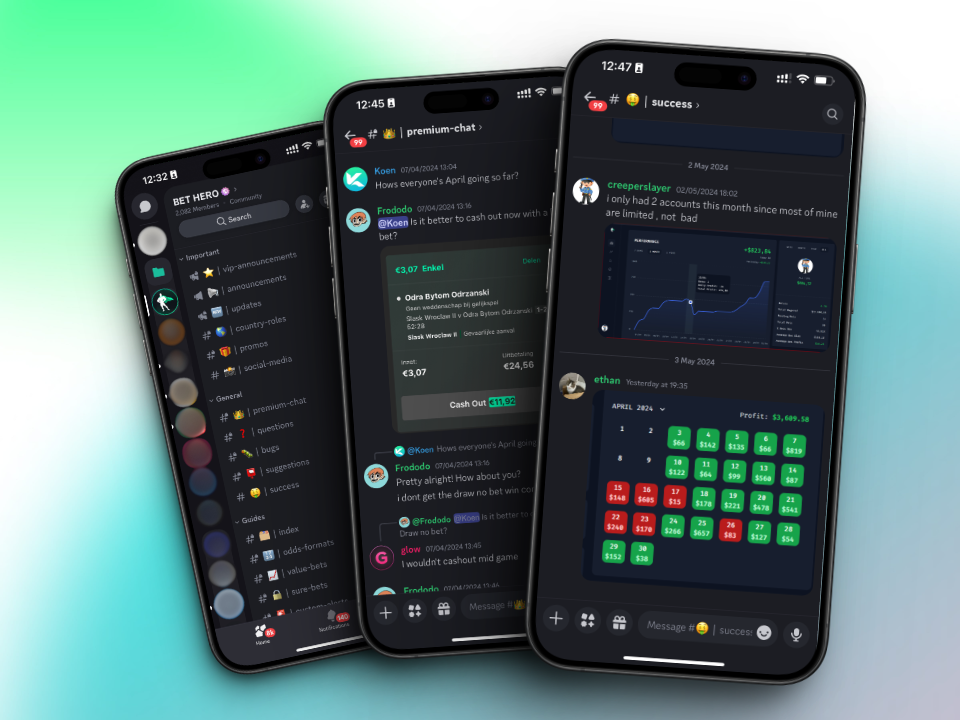
- It adds you to the Bet Hero Discord server, where members share updates, questions and results. Subscribers also get access to the members-only channels.
- It tells the X-Ray bot who you are, so it can send bets to your own channels. You set that up in the next step.
How to connect
- Open Settings and go to the Account tab.
- In the Discord section, click Connect.
- Log in to Discord if it asks you to, then click Authorize.
You're sent back to Bet Hero, and the Discord section shows your Discord name with Connected next to it.
Not in the server?
If you left the Bet Hero server, or you subscribed but can't see the members-only channels, click Sync roles in the same Discord section. It adds you back to the server and gives you your subscriber role.
One account
A Discord account can only be connected to one Bet Hero account. If Bet Hero says your Discord is already connected elsewhere, log in to that account instead, or contact us at [email protected].
Next step
Set up your alerts so the X-Ray bot starts sending you bets.